Page 1 of 3
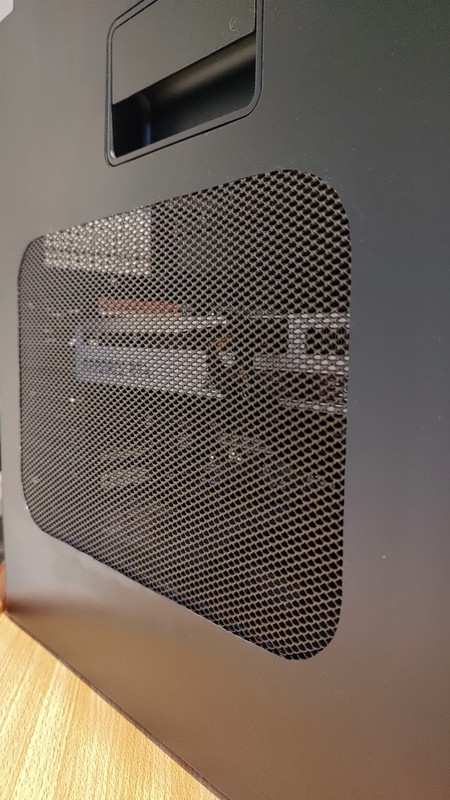
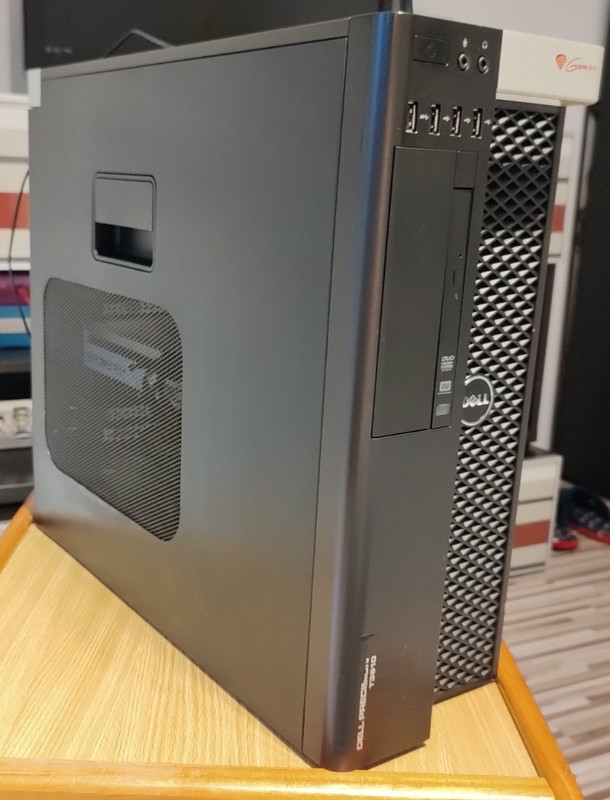
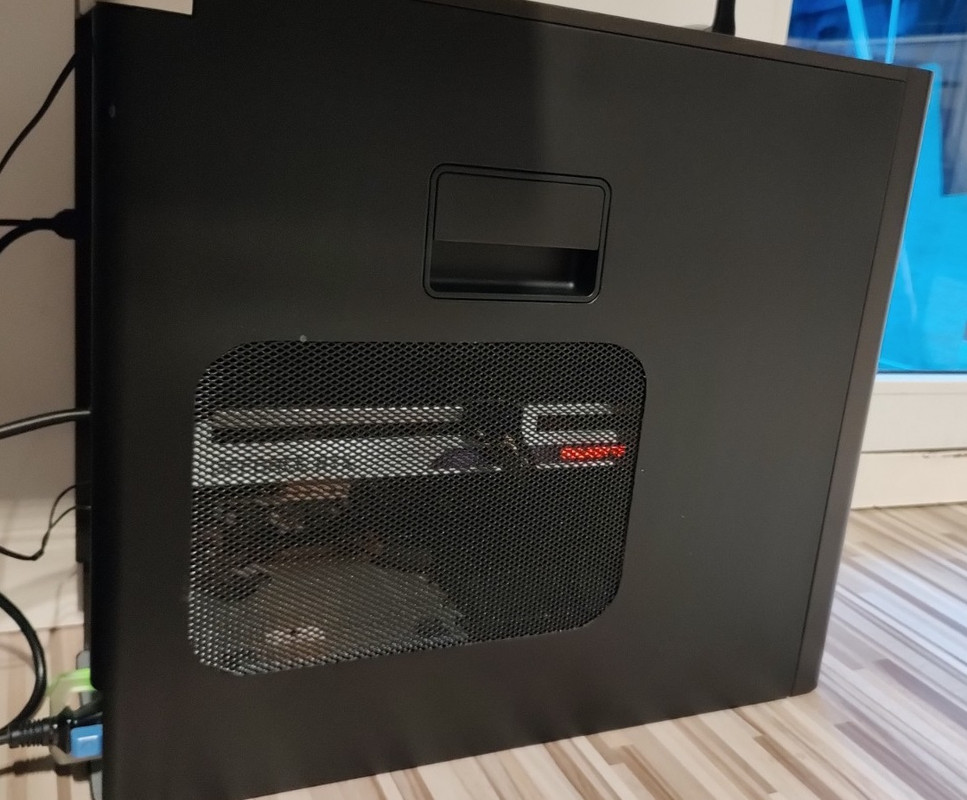
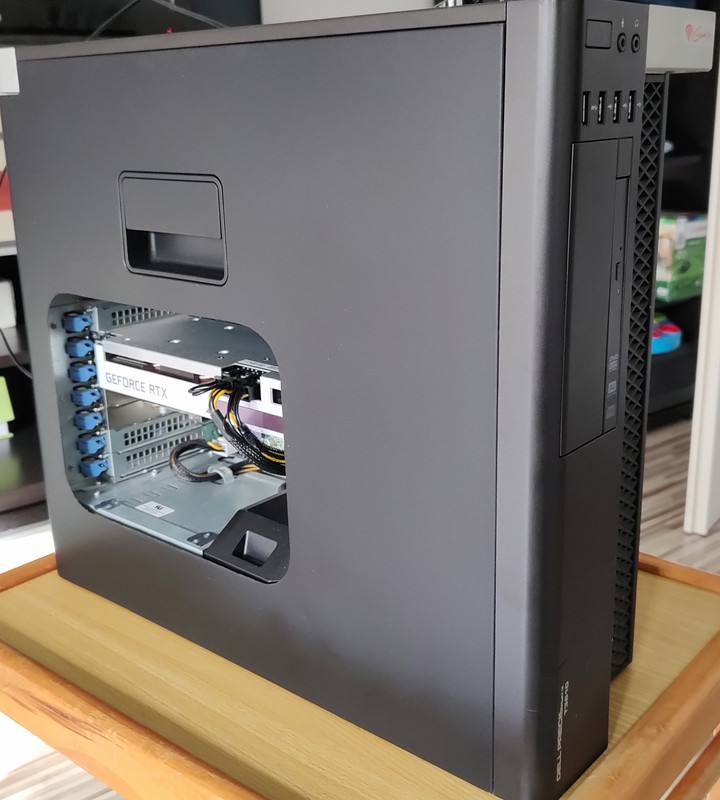
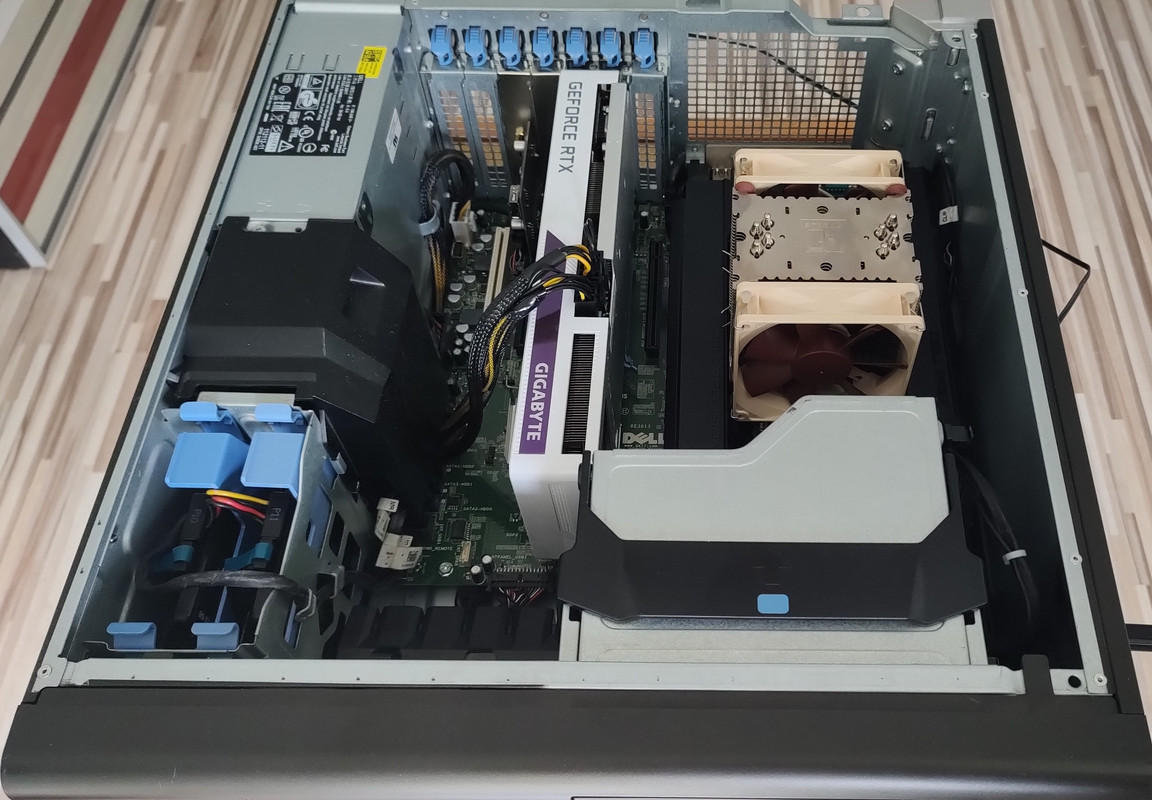
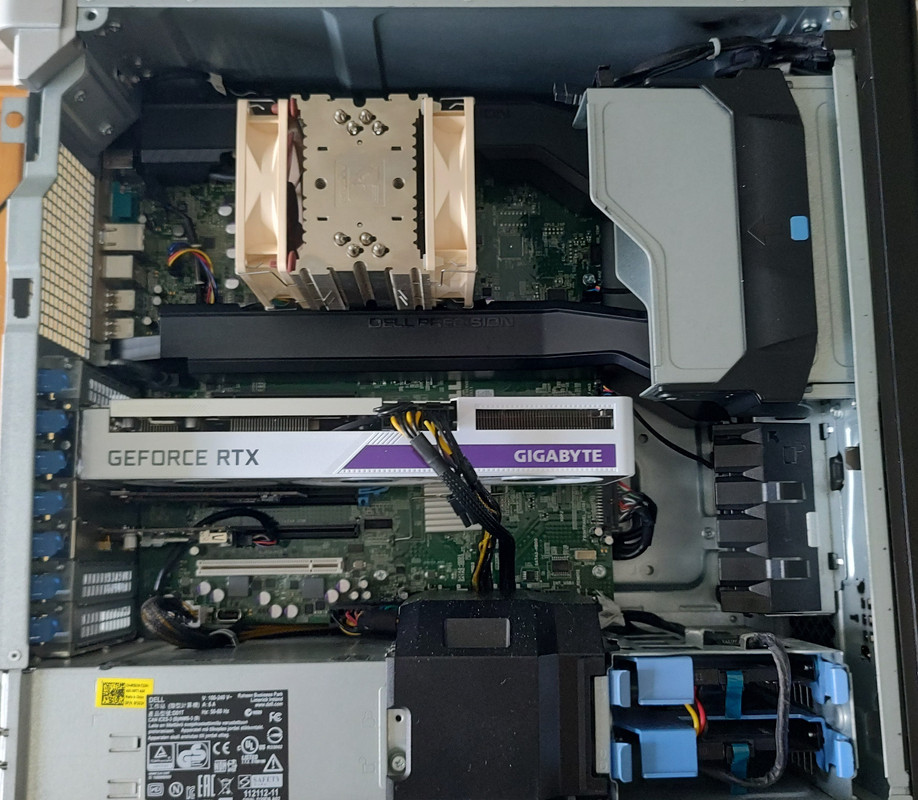
Dell Precision T3610 My Gaming PC
Posted: Sat Mar 18, 2023 12:56 pm
by James_Bakster
Re: Dell Precision T3610 My Gaming PC
Posted: Sat Mar 18, 2023 1:04 pm
by frankr2994
Awesome job. Looks sick!
Re: Dell Precision T3610 My Gaming PC
Posted: Sat Mar 18, 2023 2:10 pm
by James_Bakster
Re: Dell Precision T3610 My Gaming PC
Posted: Mon Apr 24, 2023 1:43 pm
by Nirkz32
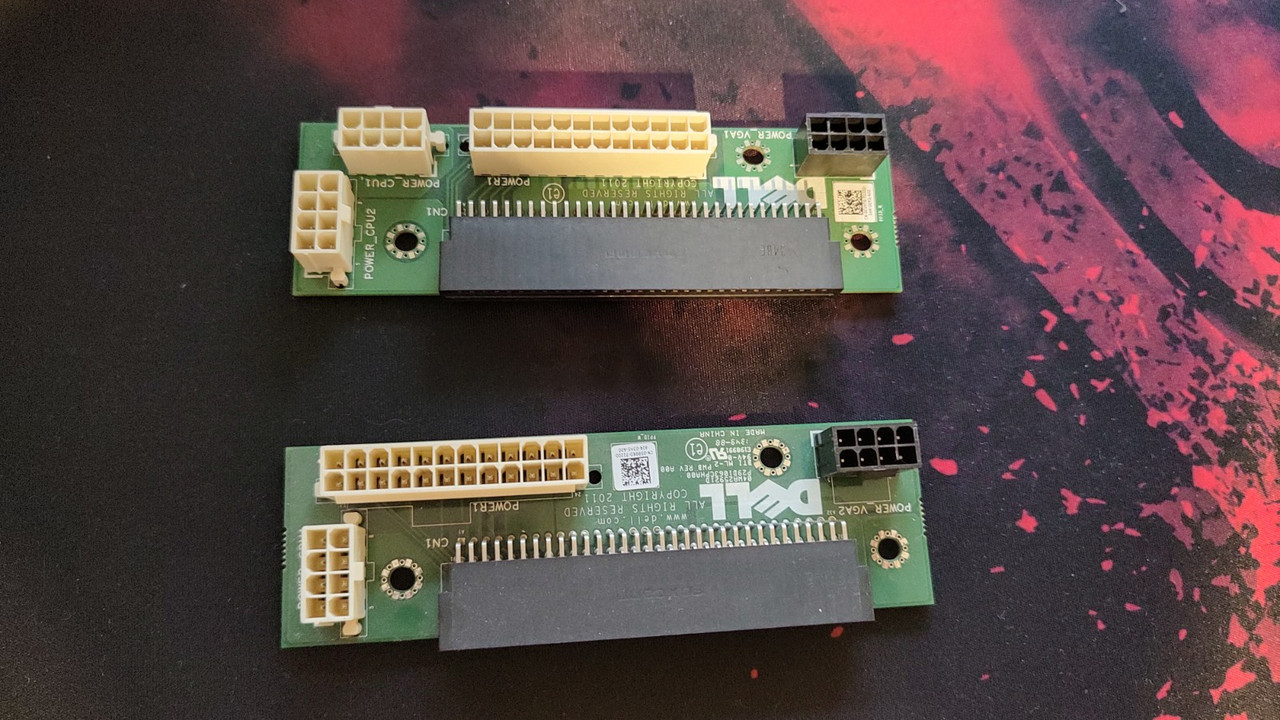
Hey OP Im not sure if im missing something or what, but how did you get that 8pin for the GPU ? I have the exact same workstation as you. Im trying to use my Radeon RX 590 8GB OC that I want to use in it, but no 8pin just 6 pin.
Re: Dell Precision T3610 My Gaming PC
Posted: Tue Apr 25, 2023 3:36 am
by frankr2994
Nirkz32 wrote: Mon Apr 24, 2023 1:43 pm
Hey OP Im not sure if im missing something or what, but how did you get that 8pin for the GPU ? I have the exact same workstation as you. Im trying to use my Radeon RX 590 8GB OC that I want to use in it, but no 8pin just 6 pin.
You have options. The machine does have an 8 pin already. It's just what you currently have in the machine is an 8 pin to dual 6 pin stock. You can use Dell part number FP427 which is 8 pin to 8 pin. Or a co-meap 8 pin to dual 6+2 pin users have been using
Comeap 8 Pin Male to Dual 8 Pin(6+2) Male PCIe Power Adapter Cable for Dell T3600 T3610 T5600 T5610 T5610 T7600 T7610 5810 T5810 T7810 13-inch(34cm)
https://a.co/d/aPMcdO0
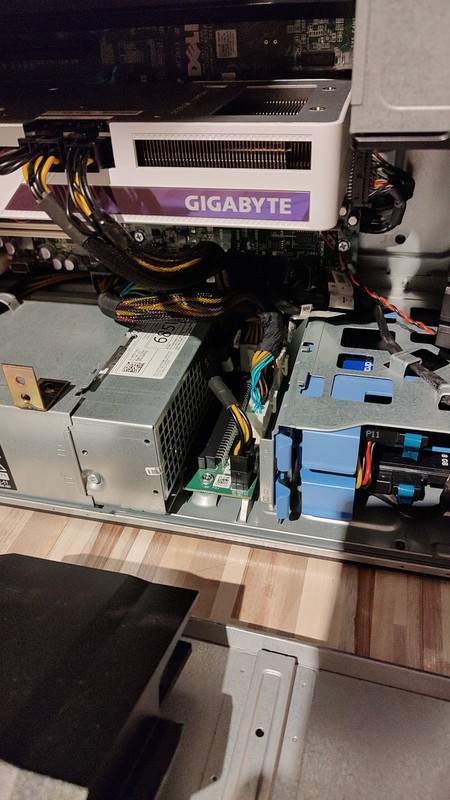
Or last option which is what the OP did was using a different power distribution board and used the Dell 8 pin to 8 pin with a 10 pin eps to pcie cable.
COMeap 10 Pin to 8 Pin(6+2) 6 Pin PCIe GPU Power Adapter Sleeved Cable for Dell Precision 5820 7820 21-inch (53cm)
https://a.co/d/dYTe27T
Re: Dell Precision T3610 My Gaming PC
Posted: Wed Apr 26, 2023 1:54 am
by Nirkz32
frankr2994 wrote: Tue Apr 25, 2023 3:36 am
Nirkz32 wrote: Mon Apr 24, 2023 1:43 pm
Hey OP Im not sure if im missing something or what, but how did you get that 8pin for the GPU ? I have the exact same workstation as you. Im trying to use my Radeon RX 590 8GB OC that I want to use in it, but no 8pin just 6 pin.
You have options. The machine does have an 8 pin already. It's just what you currently have in the machine is an 8 pin to dual 6 pin stock. You can use Dell part number FP427 which is 8 pin to 8 pin. Or a co-meap 8 pin to dual 6+2 pin users have been using
Comeap 8 Pin Male to Dual 8 Pin(6+2) Male PCIe Power Adapter Cable for Dell T3600 T3610 T5600 T5610 T5610 T7600 T7610 5810 T5810 T7810 13-inch(34cm)
https://a.co/d/aPMcdO0
Or last option which is what the OP did was using a different power distribution board and used the Dell 8 pin to 8 pin with a 10 pin eps to pcie cable.
COMeap 10 Pin to 8 Pin(6+2) 6 Pin PCIe GPU Power Adapter Sleeved Cable for Dell Precision 5820 7820 21-inch (53cm)
https://a.co/d/dYTe27T
So basically what you are saying is, to get an 8 pin to dual 8 (6+2) cable and plug it into the 8 pin distribution board and voilà I should have a working cable and GPU ? what about the power limit on the wires though? I fear it would be too much.
Re: Dell Precision T3610 My Gaming PC
Posted: Wed Apr 26, 2023 3:11 am
by frankr2994
Nirkz32 wrote: Mon Apr 24, 2023 1:43 pm
So basically what you are saying is, to get an 8 pin to dual 8 (6+2) cable and plug it into the 8 pin distribution board and voilà I should have a working cable and GPU ? what about the power limit on the wires though? I fear it would be too much.
The 8 pin connector on the board has 1 power supply rail going to it which is 18 amps. There are 3 12v+ wires in an 8 pin so that's 6 amps a wire. No matter what you hook up to that 8 pin it is not possible to draw more than 18 amps so you'll be fine. If you're running a card that uses more than what that connector can provide there is a breaker in the PSU that will trip and the PC will power cycle. If that's the case you will need a power distribution board from another machine so you can utilize the 10 pin eps connector for CPU2 so you have access to another PSU rail.
Re: Dell Precision T3610 My Gaming PC
Posted: Wed May 03, 2023 2:59 am
by James_Bakster
Nirkz32 wrote: Wed Apr 26, 2023 1:54 am
So basically what you are saying is, to get an 8 pin to dual 8 (6+2) cable and plug it into the 8 pin distribution board and voilà I should have a working cable and GPU ? what about the power limit on the wires though? I fear it would be too much.
Yes, you are right, my Gigabyte RTX3060TI VISION turned off the PC under load. first I connected the second power supply from the SATA connector and it gave stability. And then I saw a T5600 power distribution board on the Internet. bought with a power cable to the second CPU. I took 8pins to the card from the old connector, cut the cables and connect them accordingly.
PS . sorry for my bad english
Re: Dell Precision T3610 My Gaming PC
Posted: Wed May 03, 2023 3:07 am
by James_Bakster
frankr2994 wrote: Wed Apr 26, 2023 3:11 am
The 8 pin connector on the board has 1 power supply rail going to it which is 18 amps. There are 3 12v+ wires in an 8 pin so that's 6 amps a wire. No matter what you hook up to that 8 pin it is not possible to draw more than 18 amps so you'll be fine. If you're running a card that uses more than what that connector can provide there is a breaker in the PSU that will trip and the PC will power cycle. If that's the case you will need a power distribution board from another machine so you can utilize the 10 pin eps connector for CPU2 so you have access to another PSU rail.
yes 18 amps is quite a lot, especially when you add 75 watts from the connector PCI-E 16x, but for a card with 200 watts, this was not enough.
thanks for your earlier replies, I haven't time for "internet" lately.
Re: Dell Precision T3610 My Gaming PC
Posted: Wed May 03, 2023 3:21 am
by James_Bakster
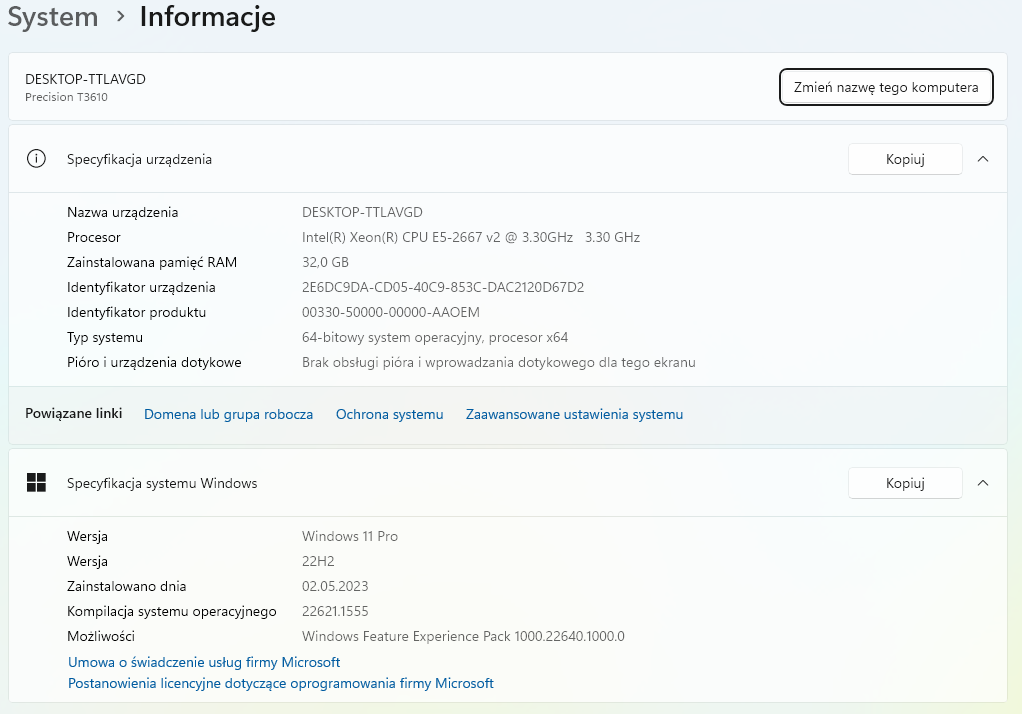
Updated to WINDOWS 11, everything works correctly.